Every reel you saved
is a dinner you never made.
Share a cooking video from Instagram, TikTok, Facebook or YouTube. MealWisp watches it, writes the real recipe (ingredients, steps, timings), and drops it onto your week with a grocery list attached.
- Free
- to start, no card
- < 60s
- from link to recipe
- No ads
- and no data selling
Pasted link
instagram.com/reel/…
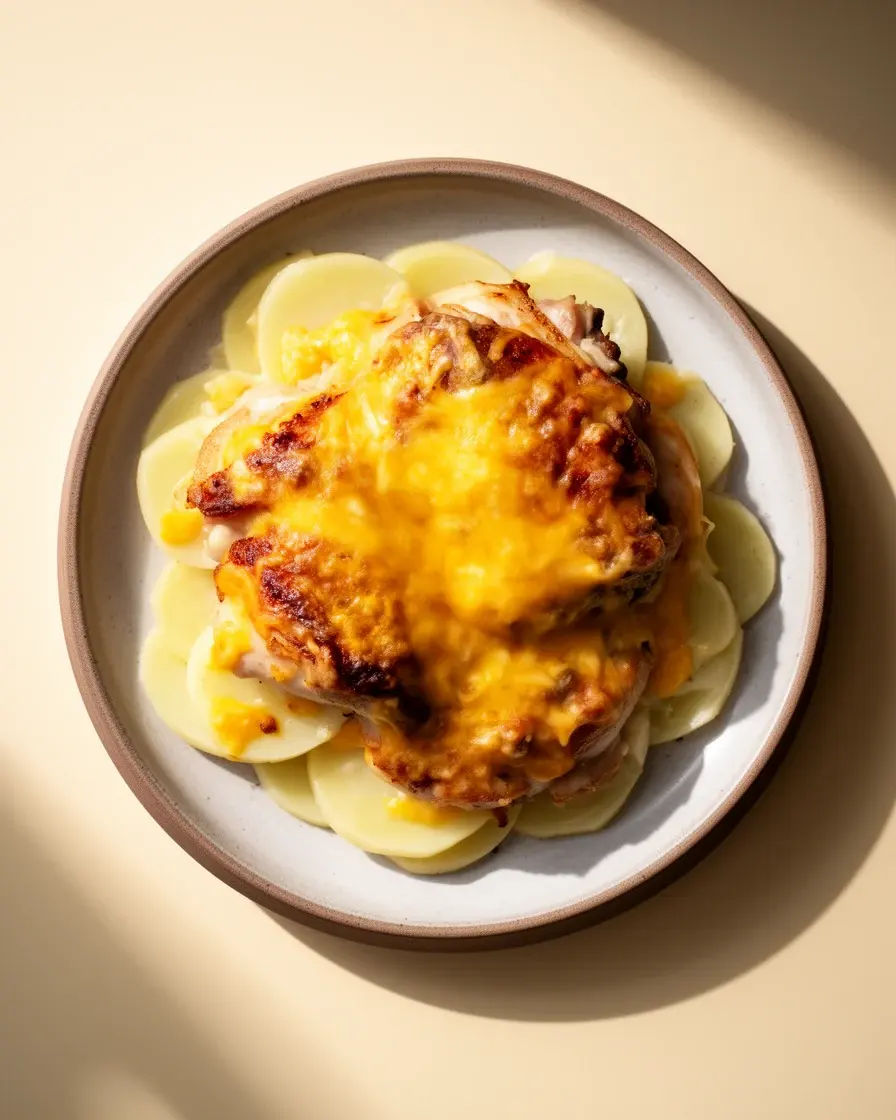
Cheesy Chicken & Potato Bake
A comforting oven-baked dish layering tender chicken thighs with creamy potatoes and melted cheddar, perfect for a hearty American-style dinner.
Estimated from the ingredients. How?
Cooked it? Tell us how it was.
Ready in
38 seconds
- Instagram Reels
- YouTube Shorts
- Facebook Video
- YouTube
- TikTok
- Recipe blogs
- Screenshots
- A photo of a cookbook page
You're not short on inspiration. You're short on a recipe.
Cooking videos are great to watch and hard to cook from. MealWisp turns them into recipes you can actually use.
45 sec
then it's gone
The ingredients flash past in a caption and the amounts are said once. By the time you're in the kitchen, it's somewhere in a folder you never open.
3 apps
to make one dinner
Notes for the recipe, a calendar for the week, a list app for the shop. Nothing talks to anything, so you do the joining by hand.
Three steps to a recipe. The fourth is dinner.
Good evening
Today · 45 minCheesy Chicken & Potato BakeImport a recipe
From a reel, a short or any recipe site
What should I eat?
Cheesy Chicken & Potato Bake
You love creamy, comforting dinners.
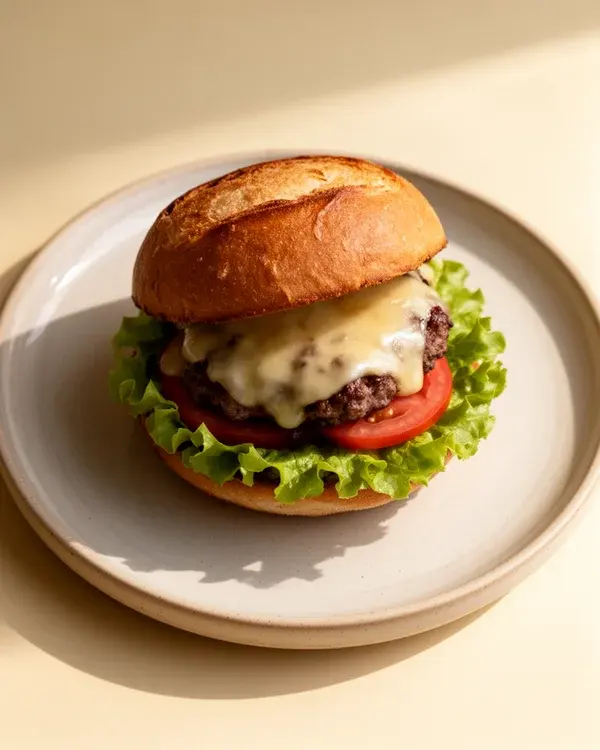 Beef Burger with Cheese660 kcalCheesy Chicken & Potato Bake45mCheesy Chicken & Potato BakeMake it lighter
Cheesy Chicken & Potato Bake
A comforting oven-baked dish layering tender chicken thighs with creamy potatoes and melted cheddar, perfect for a hearty American-style dinner.
Estimated from the ingredients. How?
Cooked it? Tell us how it was.
Share sheet · paste · scan a dish
- STEP 1
Share the link. Done.
Hit share on any Instagram, TikTok, Facebook or YouTube cooking video — or paste the URL into MealWisp. That is the entire interaction on your side.
- STEP 2
It watches the whole video.
We transcribe the audio and sample frames to catch the quantities and temperatures that only ever appear as on-screen text. The two get fused into one structured recipe.
- STEP 3
You get a recipe, honestly labelled.
Ingredients, steps, timings. Every recipe says where it came from — the video, the photos or your camera — and wears an AI-assisted label, because a model wrote it out.
It asks better questions than a blank week.
Chat threads that remember your body stats, your goal, your allergies and the cuisines you actually cook. It computes a calorie target, then builds up to a week of meals against it — and saves every one back to your library.
- Starters for when you are stuck: use what I have, create a recipe, plan my week
- Voice clips, so you can plan out loud on the drive to school
- Every generated meal saves to your library and drops onto the calendar
AI Chat · Tuesday thread
I have chicken thighs, half a cabbage and no patience.
Then we are doing a 25-minute sheet pan. Before I plan the rest of the week — height, weight, and what you are aiming for?
5'9", 168 lb, trying to lean out. Gluten-free.
Target set: 2,050 kcal a day, 165 g protein. Here is Tuesday.
- Breakfast · Miso eggs on rice — 480 kcal
- Lunch · Charred cabbage + chicken bowl — 620 kcal
- Dinner · Sheet-pan thighs, chili crisp — 710 kcal
- Snack · Yogurt, honey, walnuts — 240 kcal
Testimonials
“I just uploaded a Facebook video after chatting with the ai about it and it did EVERYTHING!!! How freaking cool is that!! … I love that it writes out the whole grocery list and everything in one place”“Just used AI to request a recipe for Middle Eastern pork chops. Got an excellent olive oil-based spice rub which I just schmeered onto 2 Trader Joe's Frenched pork chops.”“I love the app”The things people actually ask.
Still stuck? hello@mealwisp.com gets a human within a day.
If a creator was vague, the recipe will be too. Every recipe shows where it came from — the video, the photos or your camera — and an AI-assisted label, because a model wrote it out. Everything is editable, and every edit is versioned. How to get the ingredients from a TikTok cooking video
Yes. Set dietary preferences, allergies, cuisines and a primary goal during onboarding, and the planner treats them as hard constraints rather than suggestions.
Yes. Paid tiers are billed through the Apple App Store or Google Play — we never process your card — so you manage or cancel from your device's subscription settings. Refund requests go to Apple or Google rather than to us.
- All questions →
Cook the thingyou saved.
Five conversions a month on the house — enough to find out whether your saved folder was worth keeping.
iOS 16.4+ · Android 7.0+ · No card required